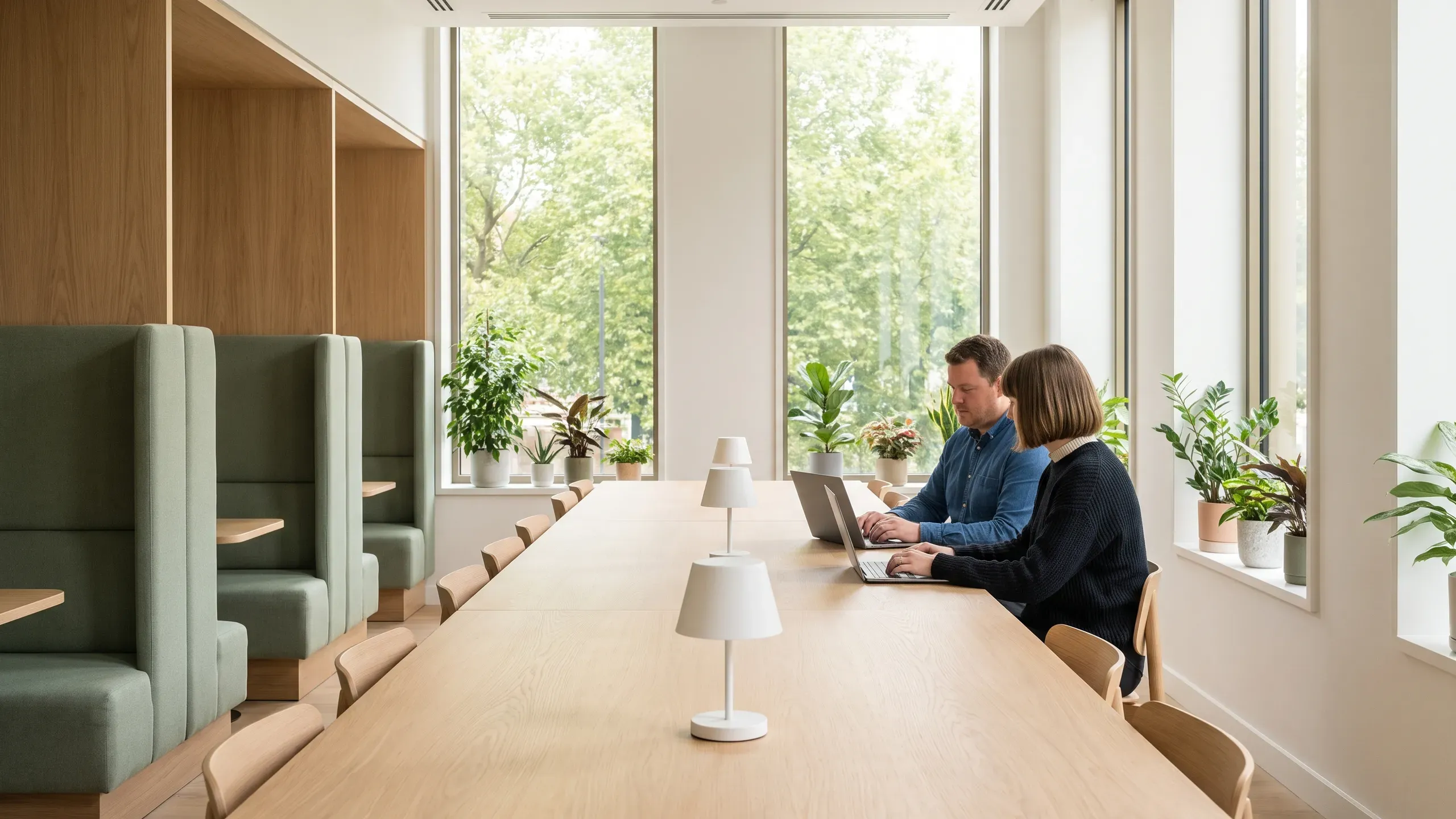
Amenity reservations for apartment communities
Residents reserve the clubroom, the grills and the courts from their phones. Your leasing office sees every booking in one place.
One calendar for the office
Requests, upcoming bookings and the month at a glance on one dashboard.

Rental fees on the record
On paid plans, set a fee for the clubroom or the grill area. Your office collects it, and you record each payment in the dashboard. Security deposits stay off for apartment communities.
Clubroom
- Rental fee, set for this space and collected by your office.
- No deposit.
- Members can book between 14 and 90 days ahead.
- Up to 30 guests, including the person booking.
- An admin approves each request, and answers within 72 hours.
- An attendant is sent for bookings over 25 guests.
Open hours and closed days
Each amenity has its own open hours and its own closed days, and a closed day is never offered to anyone.
Clubroom
Closed Mondays
9am to 10pm
Grill area
Open every day
11am to 9pm
Courts
Closed Tuesdays
7am to 9pm
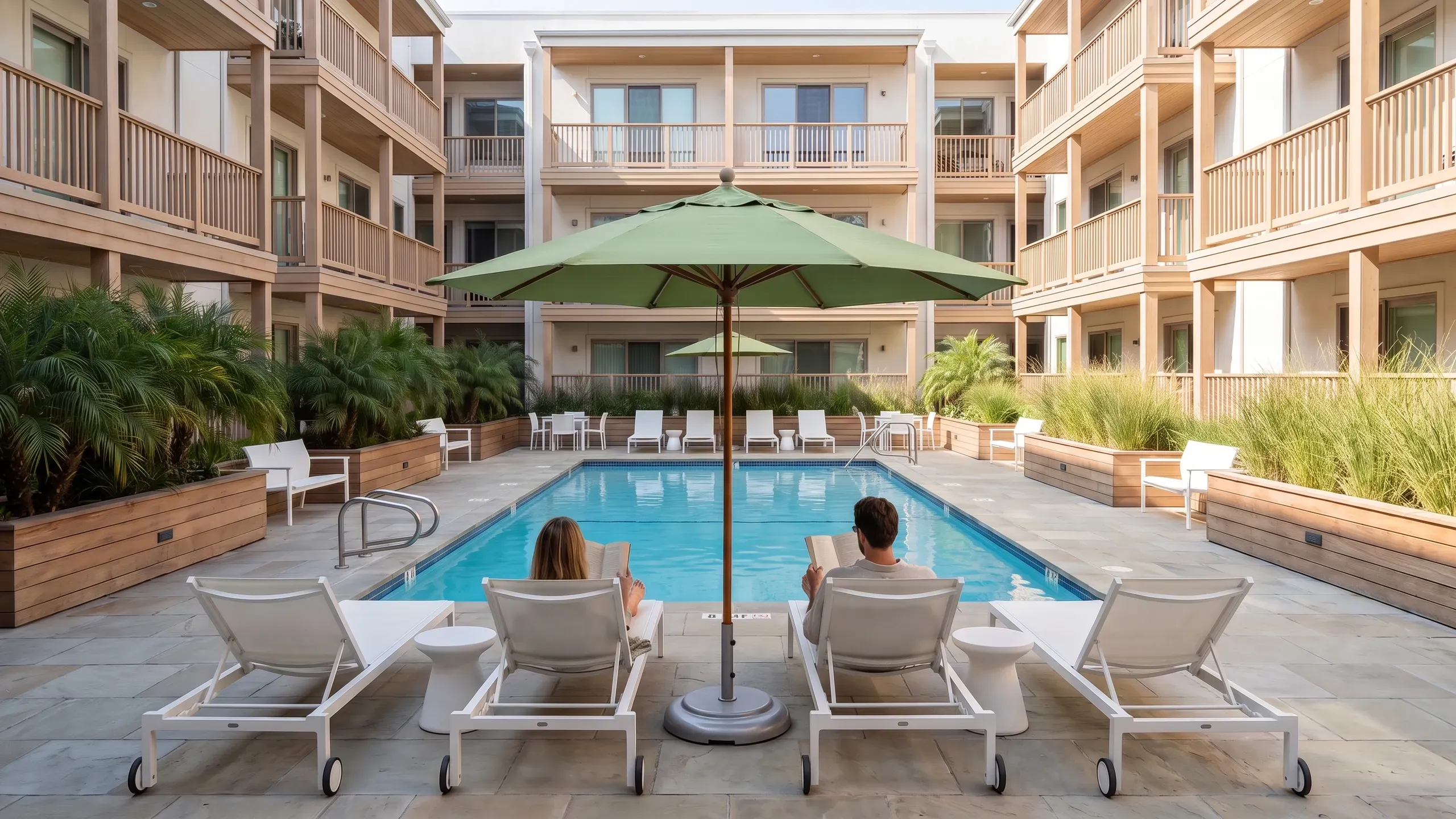
Your rent roll, imported
Bring residents in from your management software or a spreadsheet, or share a booking link. Anyone who signs up from the link waits for your office to approve them.
- Rules residents agree toHouse rules appear in plain sentences, and residents agree to them for every booking.
- Instant or approvedLet the courts confirm the moment they’re booked and keep the clubroom on approval.
- Connected to your softwareWith Amenity Gold, residents sync from Buildium every hour. AppFolio, Vantaca and CINC Systems move by CSV.
See Amenity Reserve set up with your community’s amenities
Add your first space with the guided setup and open it for bookings. Prefer a walkthrough? Schedule a call.