Skip to content

Priced per place, never per member

Start free for one place with up to 3 amenities. Move up when you want rental fees, deposits or room for more members.

Showing monthly billing

Every community starts on Amenity Free. A paid plan is set up with you through the contact page.

  • Amenity Free

    Free

    For one place. Free to use.

    • Up to 250 members
    • Up to 3 amenities
    • Bookings only, with no fees or deposits
    • Approval queue and a calendar with no double bookings
    • CSV member imports
    • 1 team seat, the main account
    • A booking page at your-name.amenityreserve.com
    See everything in Amenity Free
    • CSV member imports
    • 1 team seat, the main account
    • A booking page at your-name.amenityreserve.com
    Create an account
  • Amenity Silver

    $20per community a month

    Rental fees and rule tools as your place grows.

    • Everything in Amenity Free
    • Up to 500 members
    • Up to 5 amenities
    • Rental fees, collected by your office
    • Rule tools: approval deadlines, good standing and monthly hour limits
    • 5 team seats
    See everything in Amenity Silver
    • Rule tools: approval deadlines, good standing and monthly hour limits
    • 5 team seats
    Schedule a call
  • Amenity Gold

    $50per community a month

    Deposits, initials and signatures on your rules, and Buildium sync.

    • Everything in Amenity Silver
    • Up to 1,000 members
    • Unlimited amenities
    • Deposits, collected by your office
    • Initials and typed signatures on your house rules
    • Lighter Amenity Reserve branding
    • Buildium sync, tested on a copy
    • API keys and webhooks
    • 10 team seats
    See everything in Amenity Gold
    • Initials and typed signatures on your house rules
    • Lighter Amenity Reserve branding
    • Buildium sync, tested on a copy
    • API keys and webhooks
    • 10 team seats
    Schedule a call
  • Amenity Platinum

    Custom

    For groups running many places, with perks. Priced on a call.

    • Everything in Amenity Gold
    • Unlimited members and amenities
    • Many places in one account
    • Perks for groups running many places
    • Unlimited team seats
    See everything in Amenity Platinum
    • Unlimited team seats
    Schedule a call

After you create an account

  1. Continue with Google, or we email you a link.
  2. Tell us your community’s name, type and address.
  3. Accept the community terms and set up your first space.
  4. Import your member list from a spreadsheet or your management software’s export.
  5. Share your invite link. People on your member list can book once they sign in, and you approve anyone else who asks to join.

If we hold your community for a check, your account says so and members can join once we have checked it.

It helps to have your member list as a spreadsheet and the hours and house rules for one space. The list can be an owner or tenant export from software such as Buildium, AppFolio, Vantaca or CINC Systems, or any spreadsheet with a header row and a name and address for each person.

Compare the plans

Select a feature to see what it means.

Included on every plan (5)
  • Booking from any phone
  • Approval queue and calendar
  • No double bookings
  • Its own sign-in and data
  • CSV member imports
FeatureAmenity FreeAmenity SilverAmenity GoldAmenity Platinum
Room to grow
A member is one home or unit, however many people book from it. Members marked inactive do not count toward your plan.2505001,000Unlimited
Each space members reserve on its own: a clubhouse, a cabana, a court, a guest suite. Two courts booked separately are two amenities.See the kinds of space35UnlimitedUnlimited
Each place you run is set up and billed on its own plan. Amenity Platinum covers a group of places in one account.1EachEachMany
Booking
Members open your booking page on a phone and pick a time that is open. They need no app.How booking works
Approve requests yourself from one queue, or let a space confirm on its own. Everything lands on one calendar.How booking works
Two members can never hold the same space at the same time.
Amenity Reserve keeps its own accounts. People sign in with their email, and admins set up an authenticator app.
Money
Set a rental fee for each space. Your office collects it, and you record each payment in the dashboard.How fees work
Set a deposit for each space. Your office collects it, and you record its return, or the part kept with a written reason, in the dashboard.How deposits work
Rules
Approval deadlines, good-standing checks and monthly hour limits for each member.How booking works
What a member agrees to before a booking is sent. Free and Silver ask for one checkbox. Gold and Platinum ask for initials on each rule and a signature. The signed text stays with the booking.How booking worksOne checkboxOne checkboxInitials and signatureInitials and signature
Your team and your brand
On Gold and Platinum, booking pages lead with your place’s name and Amenity Reserve steps back.FullFullLighterLighter
Each person who signs in to run your place counts as a seat: you, plus managers, board members, assistants and social committee members. Free has one seat, for the main account. Members who only book are not seats.1510Unlimited
From Silver, add a teammate in any role and choose what they can do before you send the invite, from running reservations to accepting terms and managing the team. A power that belongs to a feature your plan lacks stays off until you move up: deposits and the Buildium sync are on Gold.
Integrations
Bring your member list in from a Vantaca, AppFolio or CINC export, or from a spreadsheet.See integrations
Connect Buildium once and your member list and who is in good standing stay in step with it. Charges go back as a file you import. The Buildium connection was built against Buildium’s documented interface and tested on a copy, and has not yet run on a live Buildium account.Connecting Buildium
Download rental fees, kept deposits and refunds for any date range and import the file in your software’s charges screen.About the charges file
Read your community’s data and receive booking events at your own address, with keys you create and revoke.For developers

Who pays what

Your place pays for its plan. What members pay is up to you, and your office collects it.

Your place pays Amenity Reserve

Amenity Free
Nothing, for 250 members and 3 amenities.
Amenity Silver
$20 per community a month, or $200 billed annually.
Amenity Gold
$50 per community a month, or $500 billed annually.
Amenity Platinum
Priced on a call. Never required.
Fees and deposits
Your office collects them, so no payment fee applies.
Members
No charge per member.

Members pay your place

Rental fee
You set the amount for each space and change it whenever you like. Rental fees start on Amenity Silver.
Deposit
You set the amount for each space, and you record its return, or the part kept with a reason. Deposits start on Amenity Gold.
Nothing
A space can be free to book on every plan.

How your community charges for its spaces covers deposits, refunds and every setting.

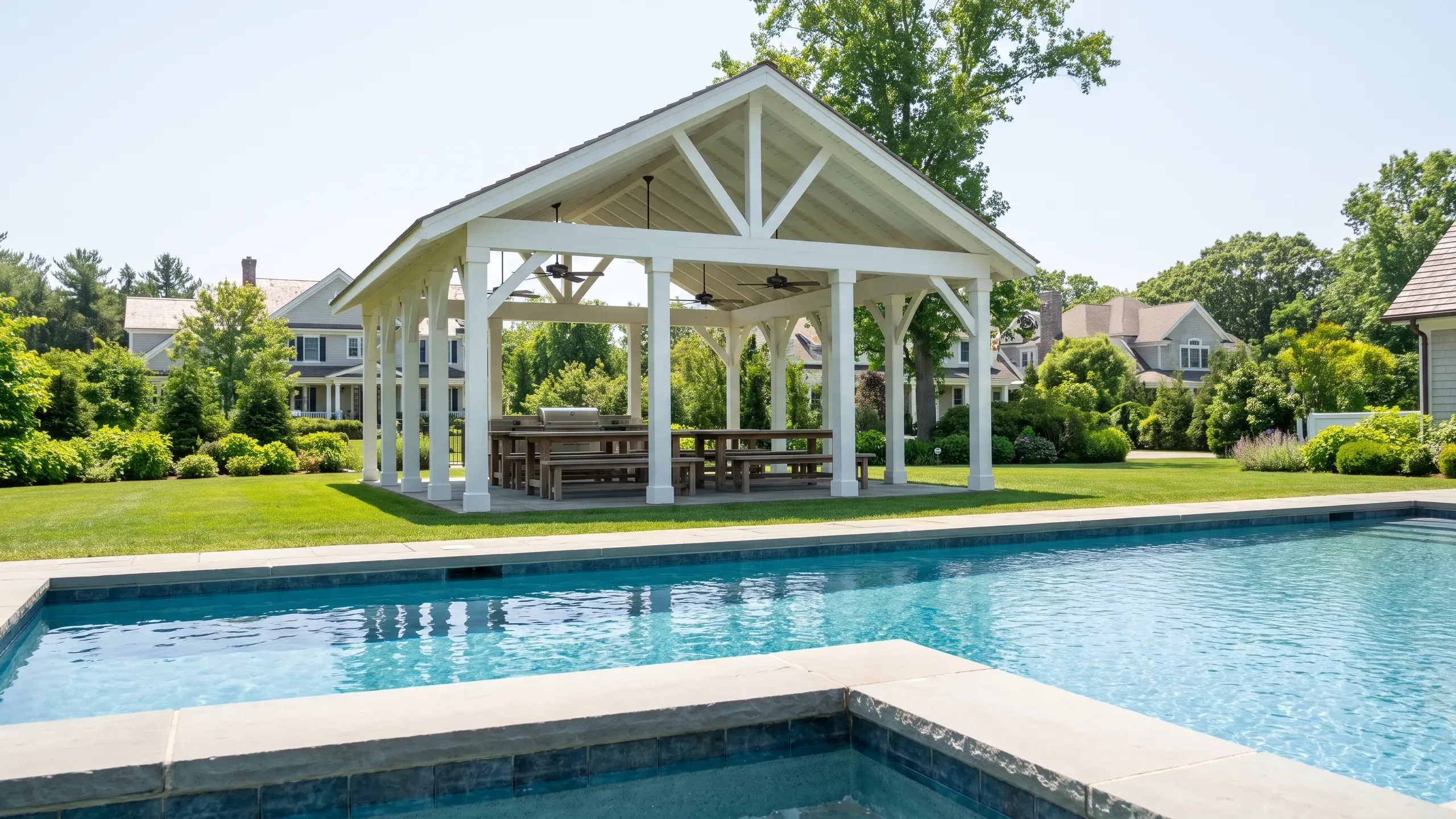
An open-sided white pool pavilion with ceiling fans, long tables and a grill, seen across clear pool water.

Questions about pricing

What counts as an amenity?

Each space members reserve on its own: a clubhouse, a cabana, a court, a guest suite. Two courts booked separately are two amenities.

What counts as a member?

One home or unit on your member list, however many people book from it. Members marked inactive don’t count toward your plan.

Where do deposits and fees go?

Your community collects them at its office and records each payment in the dashboard. Read how fees and deposits work.

What is the payment fee?

There is none while your community collects fees and deposits at its office, because no card payment goes through Amenity Reserve. A payment fee applies only to card payments.

Is there a limit on amenities?

Amenity Free holds up to 3 amenities and Amenity Silver up to 5. Amenity Gold and Amenity Platinum have unlimited amenities, at no extra charge.

What happens when we pass a limit on members?

Adding or importing members past your plan’s limit is refused with a note that says so. Mark members who have moved out as inactive, or move up a plan.

Do we need Amenity Platinum to run many places?

No. Each community is on the plan that fits it. Amenity Platinum is for groups running many places, with perks, and it can cost less once you run several. Schedule a call and we’ll set up your communities together and compare the two for you.

What if a member disputes a charge?

Fees and deposits are collected at your community’s office, so no card payment is taken through Amenity Reserve and there is no card dispute for us to answer.

Can we change plans later?

Yes. Move up when you add members, add amenities or start taking deposits, and your rules and bookings come with you. A paid plan renews automatically each month or year until the billing owner cancels it under Plan, Manage billing; cancelling takes effect at the end of the current period.
Not sure which plan fits?

Start free for one place and move up when you need more. Running several places? Schedule a call.