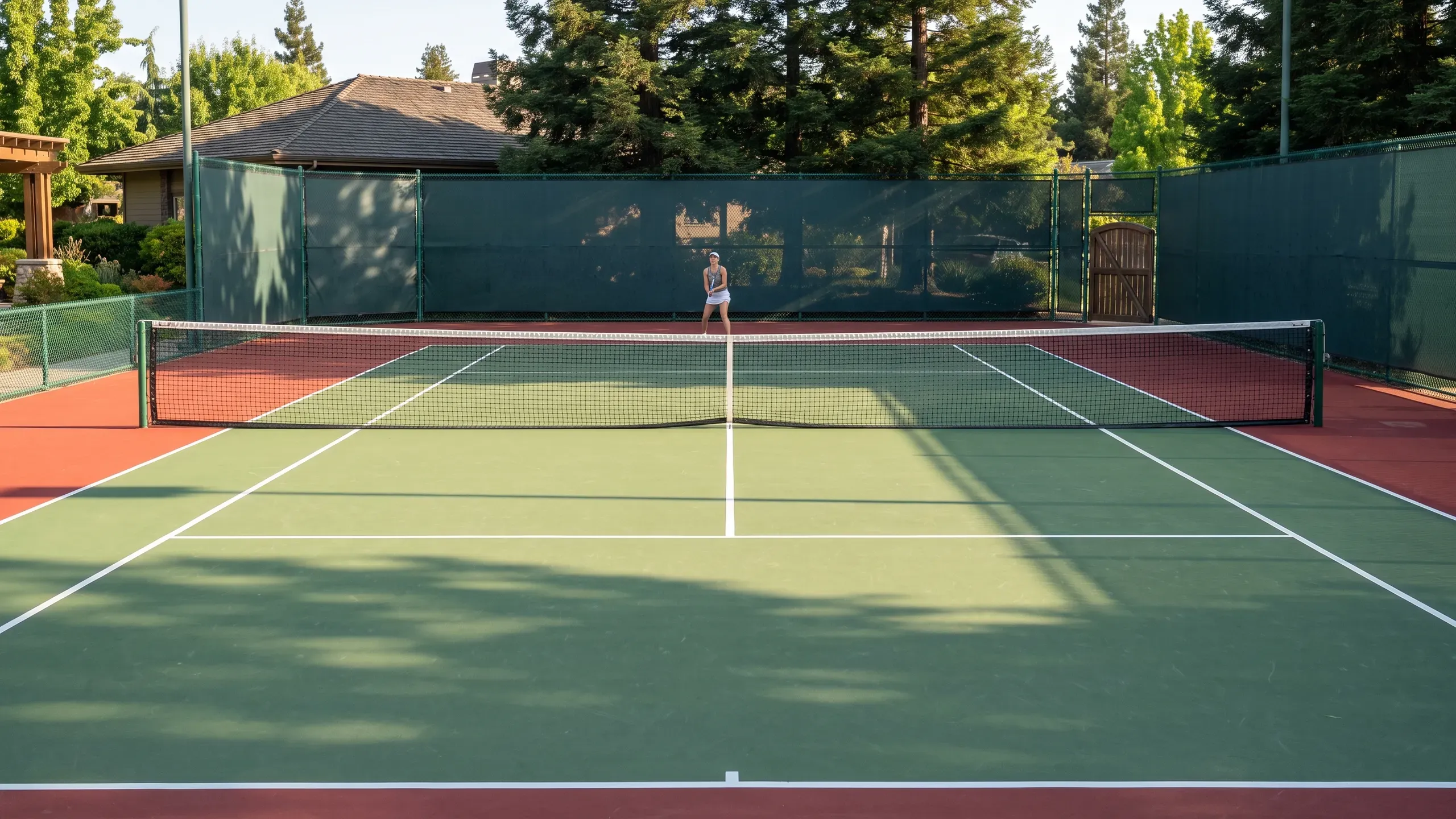
Amenity reservations for HOAs
Put the clubhouse, the pool pavilion and the courts on one booking page, under the rules your community already has.
Your rules, applied to every request
Members book from their phones and you approve from one queue. With Amenity Gold you can ask for a deposit on a space. Your office collects it, and you record its return, or the part kept, in the dashboard.

Owners, tenants and your team
Who can book each space
Each amenity says who may book it. Tenants can be welcome at the courts and not at the clubhouse.
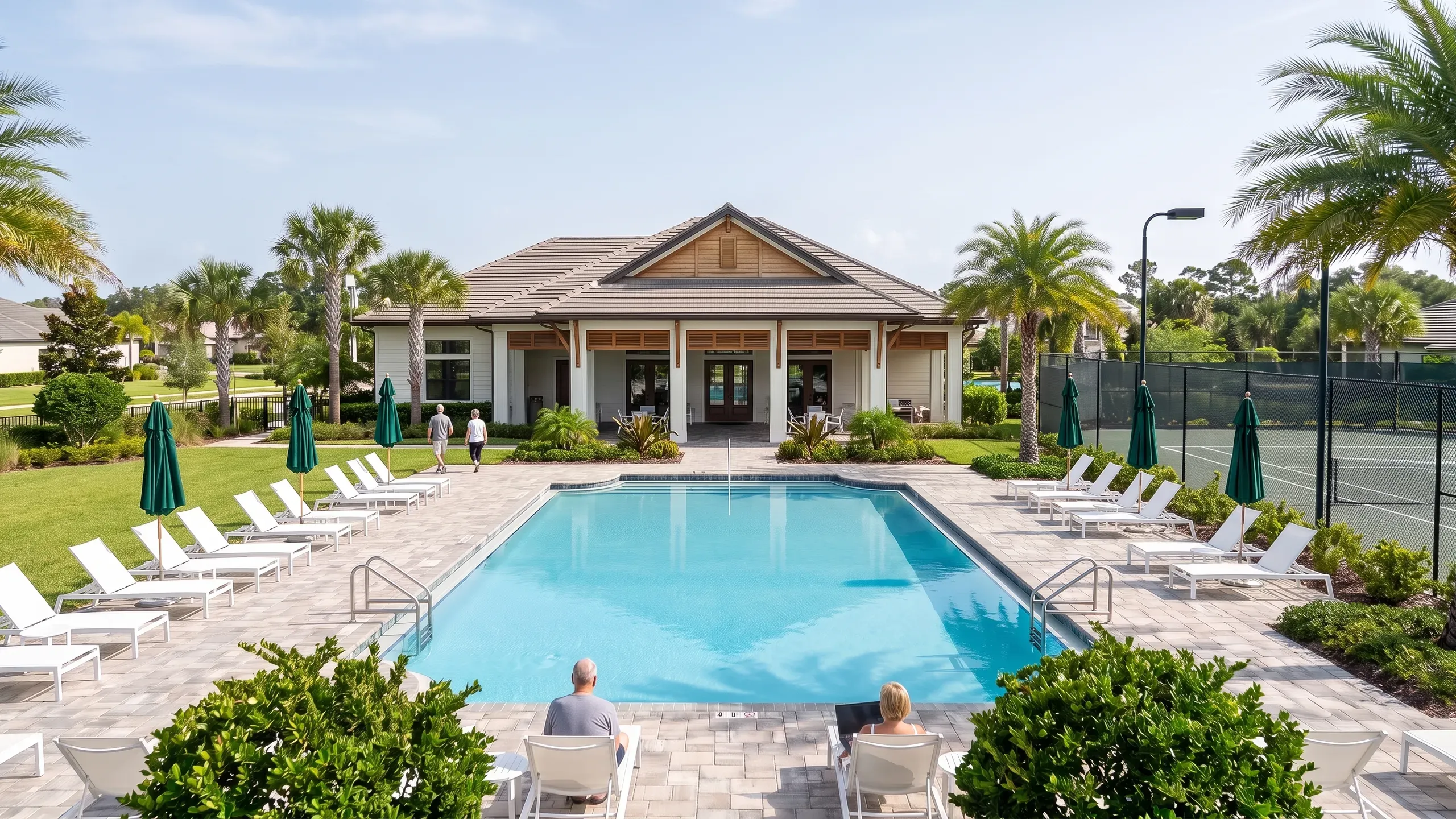
- Clubhouse
- Owners can book, up to 2 a day per household.
- Pickleball courts
- Owners and tenants can book, up to 1 a day per household.
A tenant sees at the clubhouseThis space is for owners.
Owners, tenants and standing
Turn on the good-standing rule and a home you have paused can’t book until it is active again.
Lee sees when bookingYour account is not in good standing for this community, so bookings are paused. Contact the community office.
Who runs reservations
The main contact and the manager run reservations. From Amenity Silver, they can give the same permission to any board seat or committee member.
- Fair use for every homeCap how many bookings a home holds at once. From Amenity Silver, cap the hours it books each month.
- Signed house rulesMembers sign your house rules for every booking, and the signed text stays with it.
- Rental fees and depositsSet a fee for a space on any paid plan and a deposit on Amenity Gold and above. Your office collects both, and you record each payment and each refund in the dashboard. How your community earns from its spaces.
- Holidays and community eventsClose major holidays, block single dates and hold a space for a community event.
See Amenity Reserve set up with your community’s amenities
Add your first space with the guided setup and open it for bookings. Prefer a walkthrough? Schedule a call.