Clubhouses and event rooms
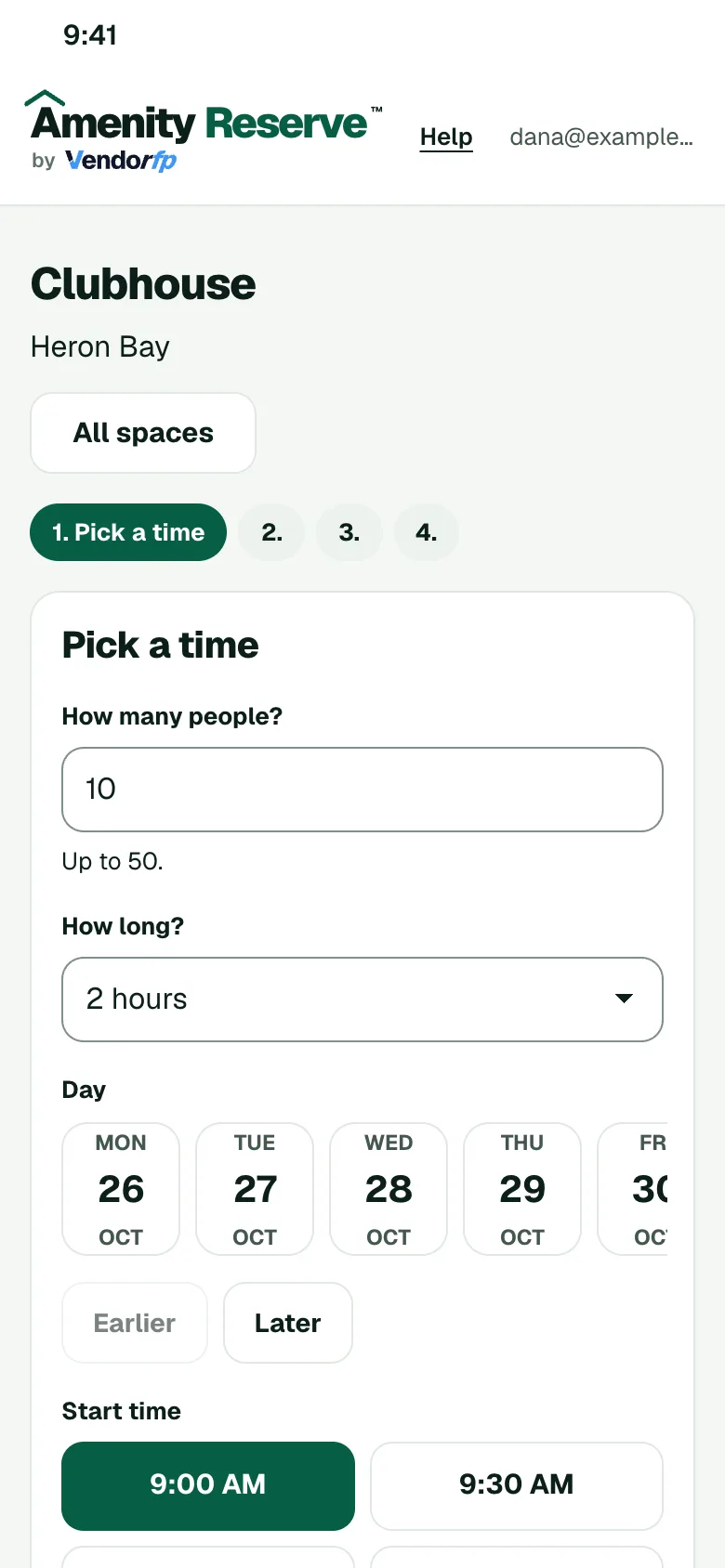
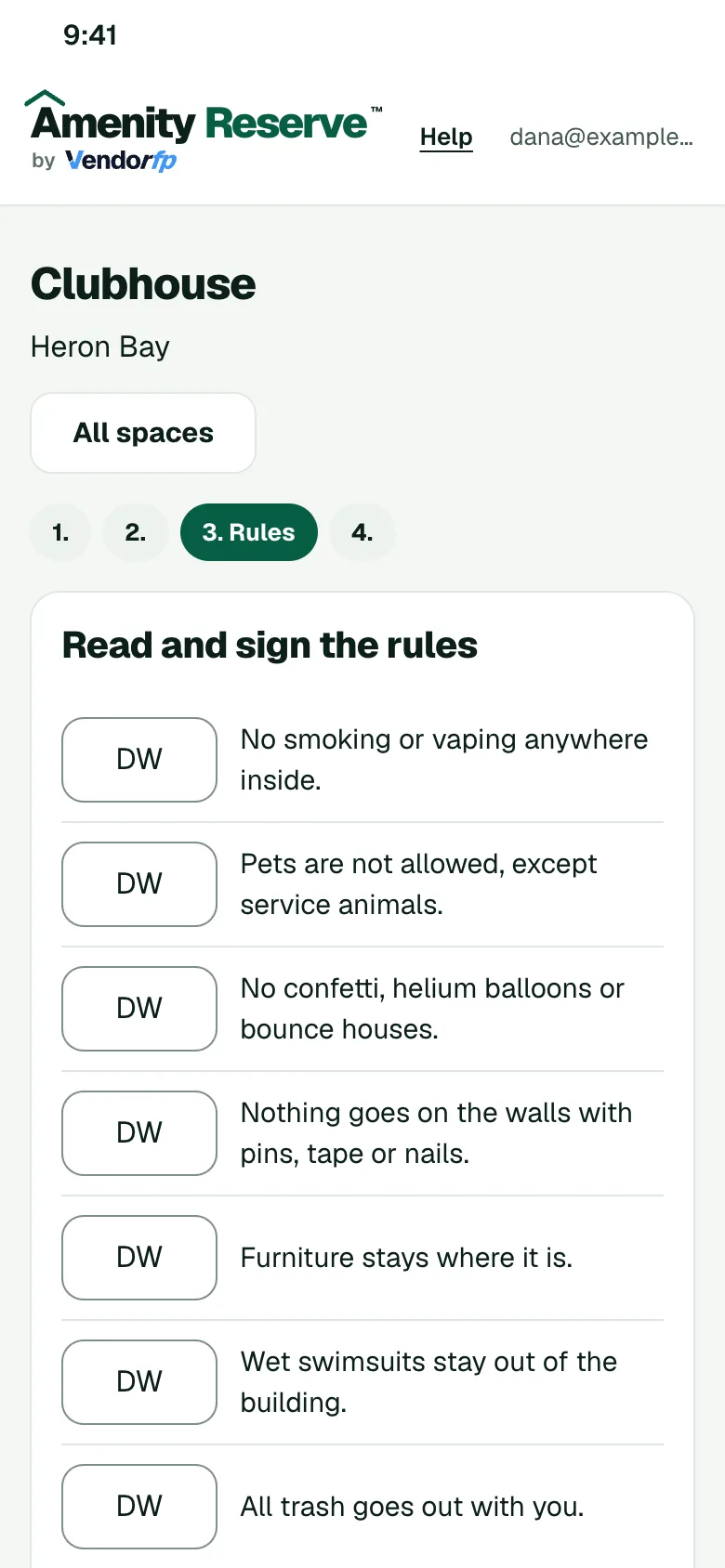
Set the hours, the guest limit, the cleaning time between events and who may book. Members reserve the room from their phones and sign your rules as they book.
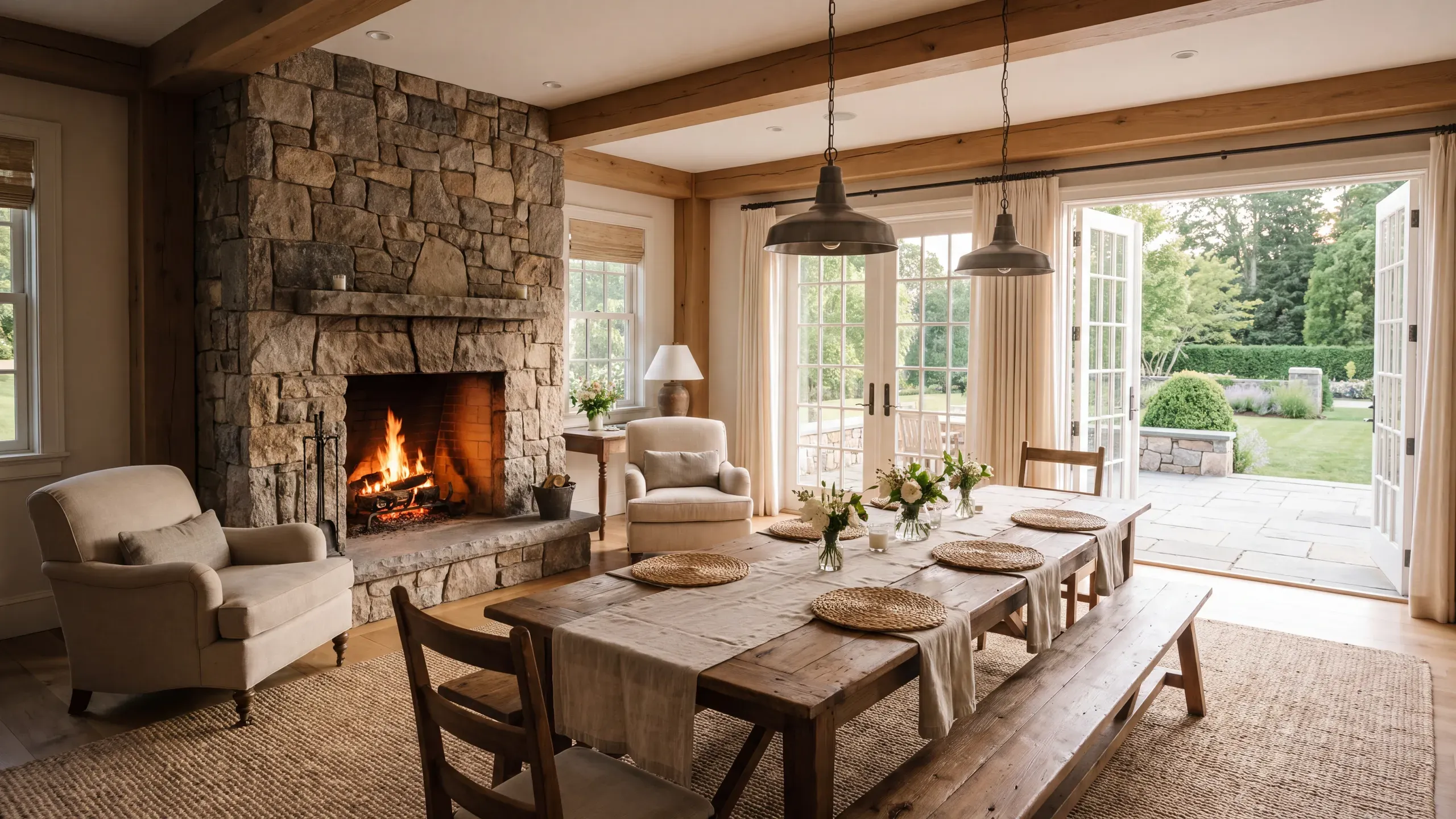
Rules you can set for this space
- HoursOpen the room from the morning to the evening and choose the hours members may book inside them.
- Guest limitCap the headcount for a party so the room stays within what it holds.
- Cleaning timeHold the room for a set time after each event so the next one starts clean.
- ApprovalHave an admin approve each request, or let bookings confirm right away.
- DepositAsk for a deposit on Amenity Gold and above. Your office collects it, and you record its return in the dashboard. Apartment communities do not take deposits.
How a booking works
- The member opens your booking page on their phone and picks a time that is open.
- They read your rules for the space and sign them.
- If you ask to approve requests, an admin says yes or no. Otherwise the booking confirms.
- The member gets a calendar invite.
Other spaces to set up
- Banquet and event roomsRent a banquet room for dinners, receptions and meetings, with your hours, a guest limit and a deposit if you want one.
- Game roomsOpen the room for parties and tournaments with your hours, guest limits and cleaning time.
- Rooftop decksSet evening hours and a guest limit for the deck.