Game rooms
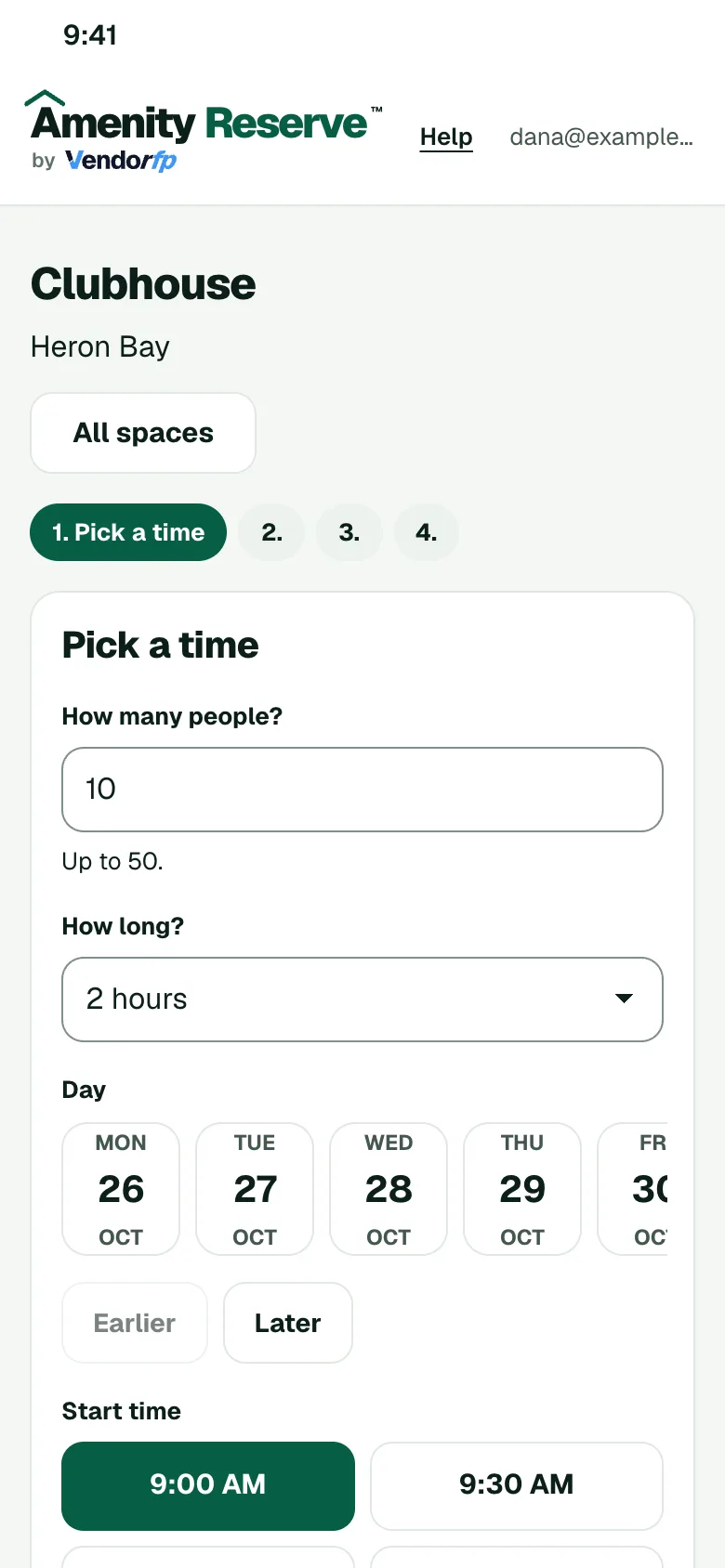
Open the room for parties and tournaments with your hours, guest limits and cleaning time. Members book from their phones and see only the times you allow.
Rules you can set for this space
- HoursChoose the hours members may book the room for a party or a tournament.
- Guest limitCap how many guests a booking can bring.
- Cleaning timeHold the room for a set time after each booking.
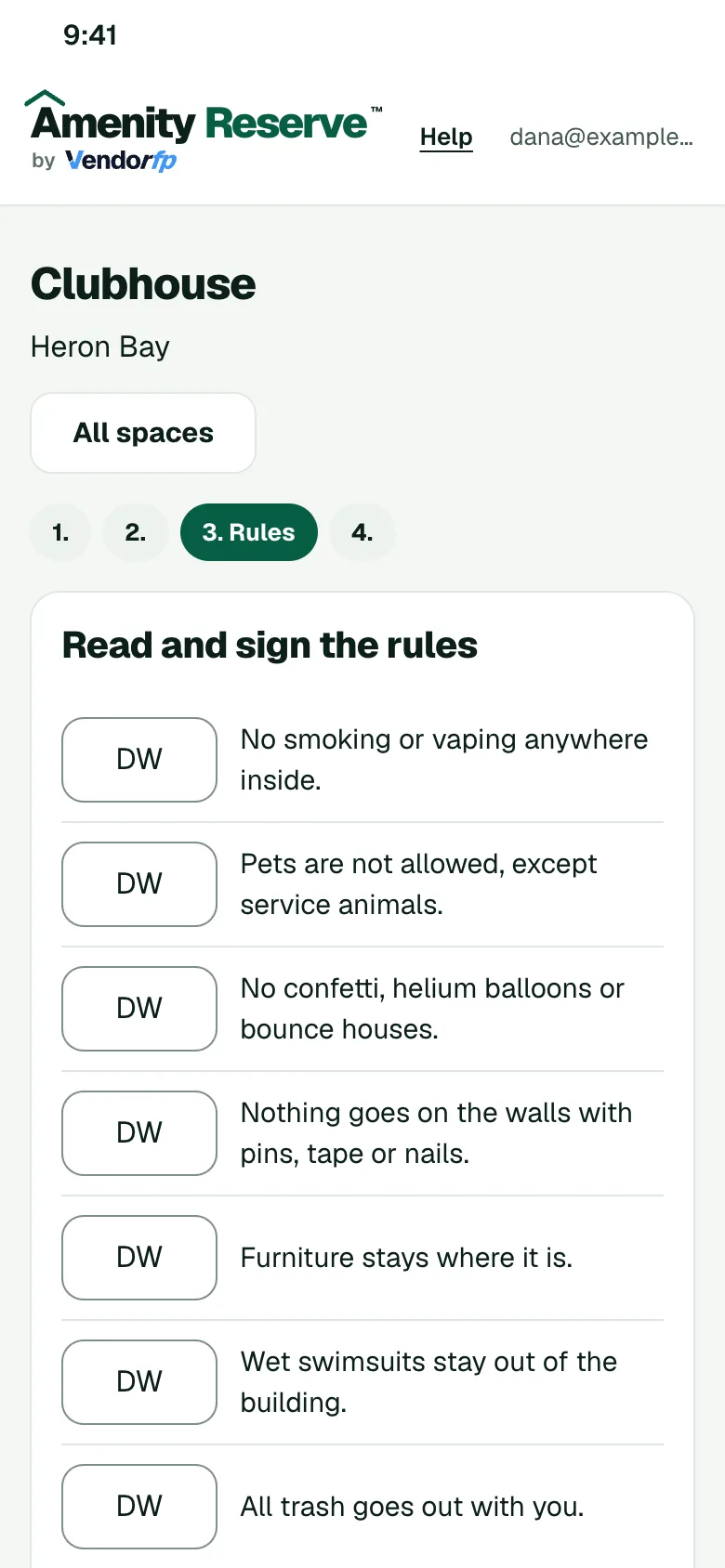
- Signed rulesMembers sign your rules for the room and its games.
How a booking works
- The member opens your booking page on their phone and picks a time that is open.
- They read your rules for the space and sign them.
- If you ask to approve requests, an admin says yes or no. Otherwise the booking confirms.
- The member gets a calendar invite.
Other spaces to set up
- Clubhouses and event roomsSet the hours, the guest limit, the cleaning time between events and who may book.
- Golf simulatorsLet members book the room by the hour from their phones.
- Banquet and event roomsRent a banquet room for dinners, receptions and meetings, with your hours, a guest limit and a deposit if you want one.