Conference and meeting rooms
Let tenants and members book a meeting room by the hour from their phones. Two teams can never hold the same room at the same time.

Rules you can set for this space
- HoursOffer the room only during the hours you set.
- Booking lengthCap how long one team can hold the room.
- Who can bookOpen the room to tenants, owners or both.
- ApprovalLet meetings confirm right away, or have an admin approve each one.
How a booking works
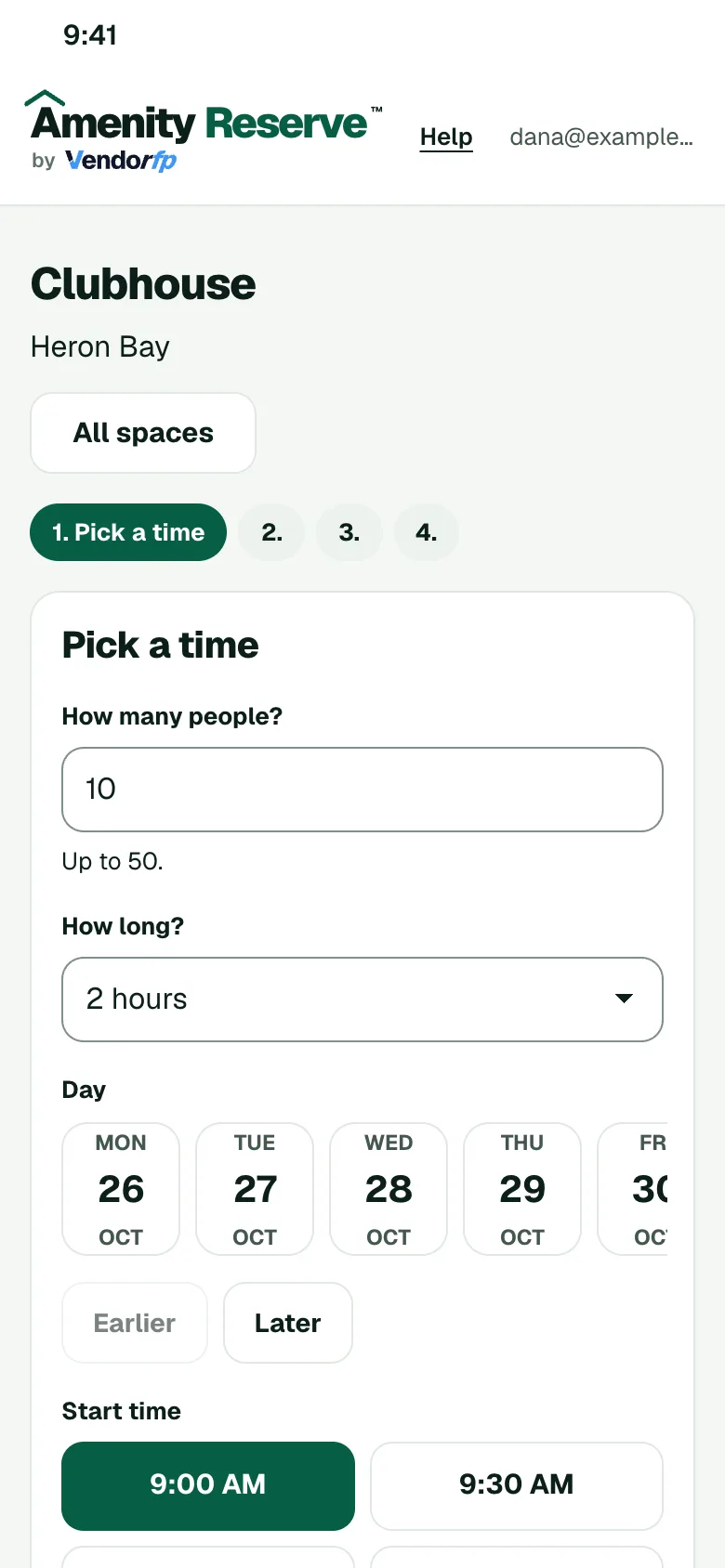
- The member opens your booking page on their phone and picks a time that is open.
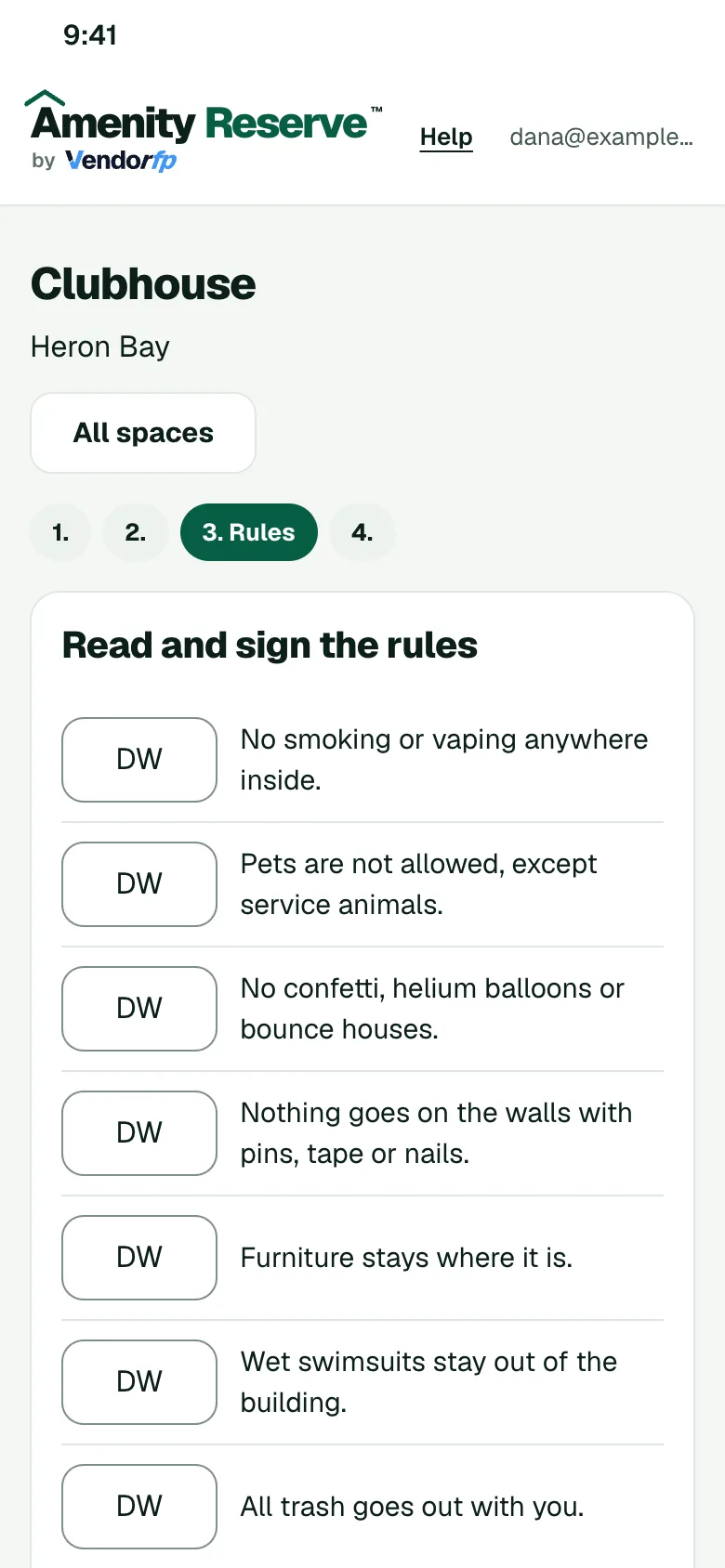
- They read your rules for the space and sign them.
- If you ask to approve requests, an admin says yes or no. Otherwise the booking confirms.
- The member gets a calendar invite.
Other spaces to set up
- Banquet and event roomsRent a banquet room for dinners, receptions and meetings, with your hours, a guest limit and a deposit if you want one.
- Clubhouses and event roomsSet the hours, the guest limit, the cleaning time between events and who may book.
- Fitness centersSet the hours, a guest limit and who may book the room.