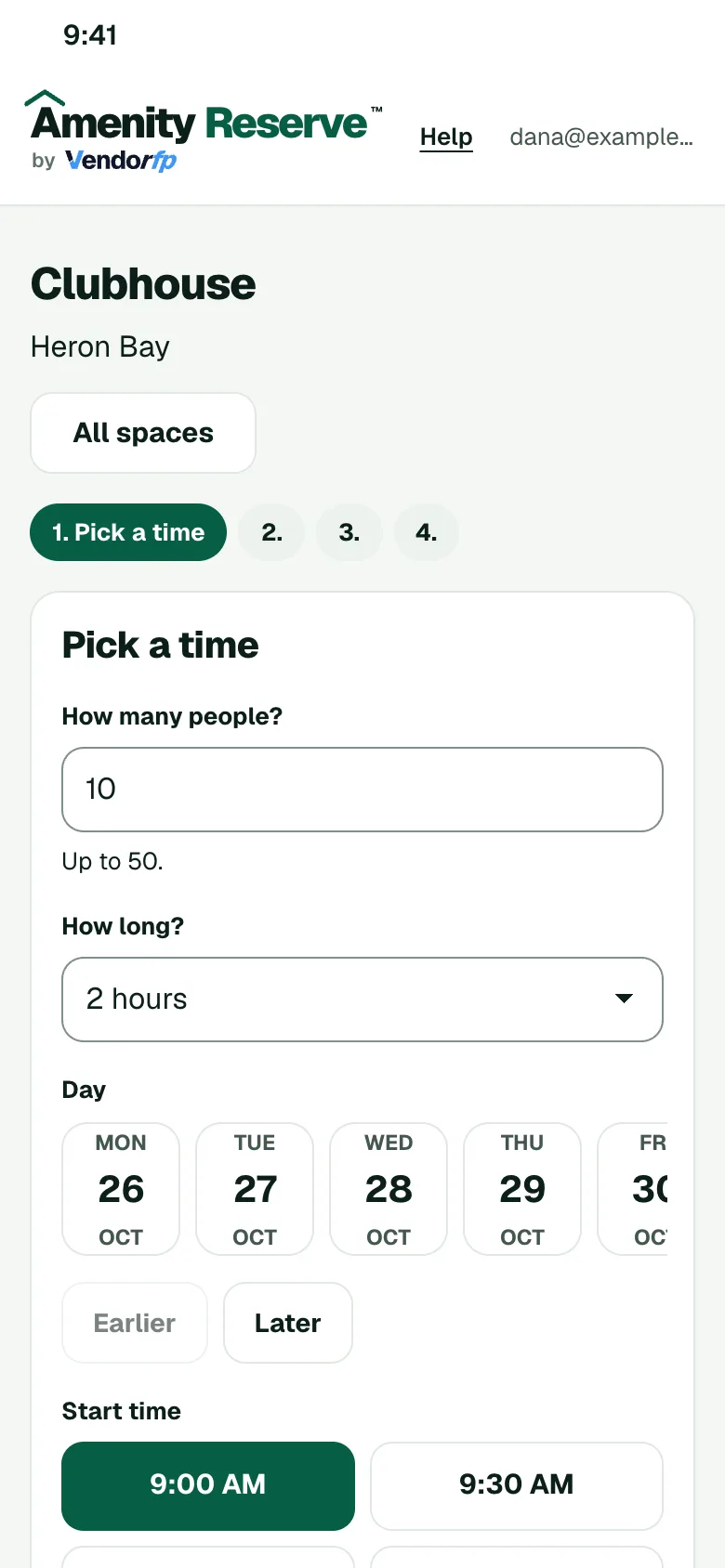
Pickleball, tennis and sport courts
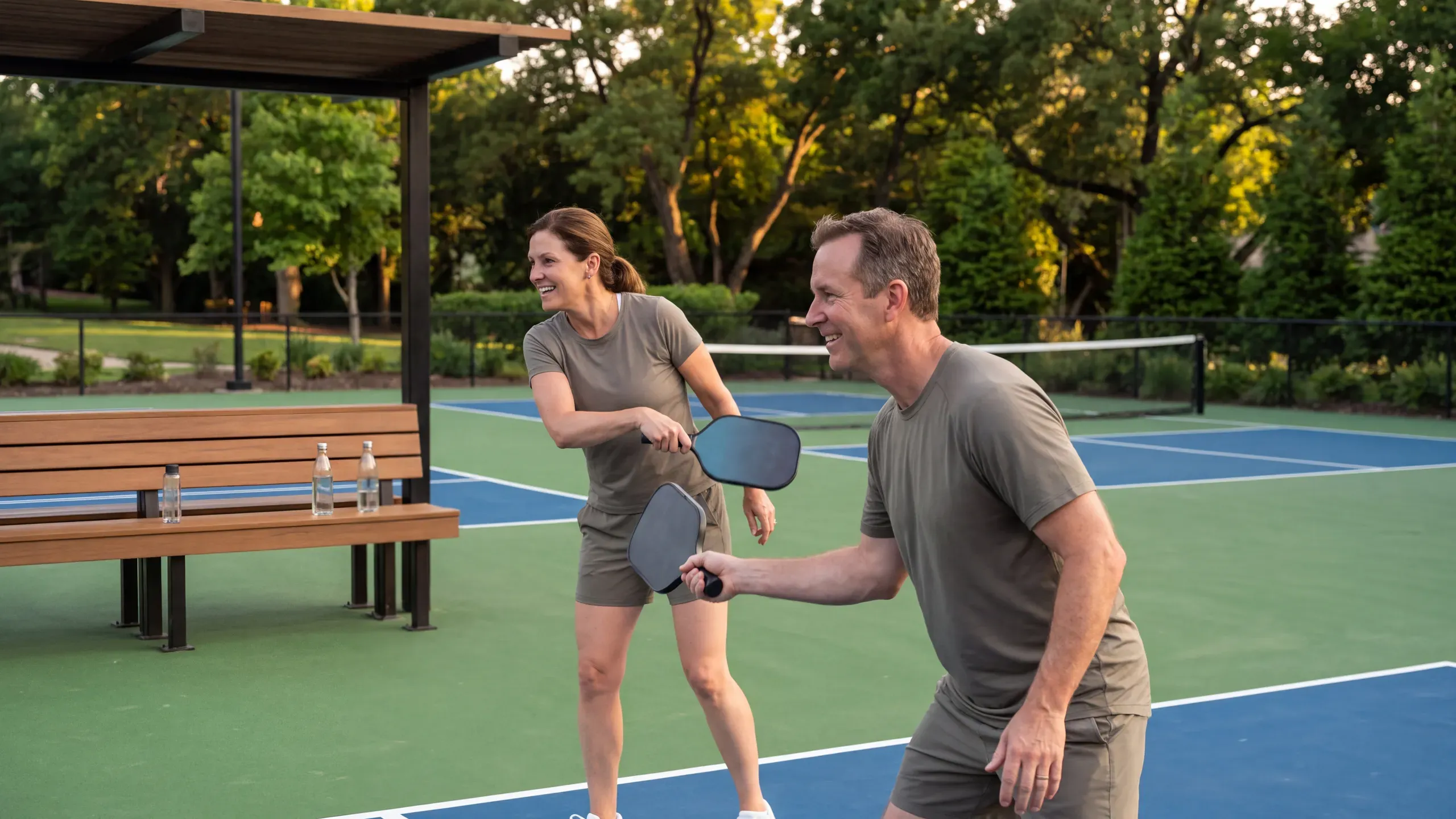
Open courts for play in short blocks and set who may book them. A booked court shows as taken, so nobody turns up to find it in use.
Rules you can set for this space
- Short blocksCap a booking at an hour or two so more people get court time.
- Monthly hoursLimit the hours one home can book each month, on Amenity Silver and above.
- Who can bookOpen the courts to owners, tenants or both.
- NoticeRequire days of notice, or set it to zero so members can book for later the same day.
How a booking works
- The member opens your booking page on their phone and picks a time that is open.
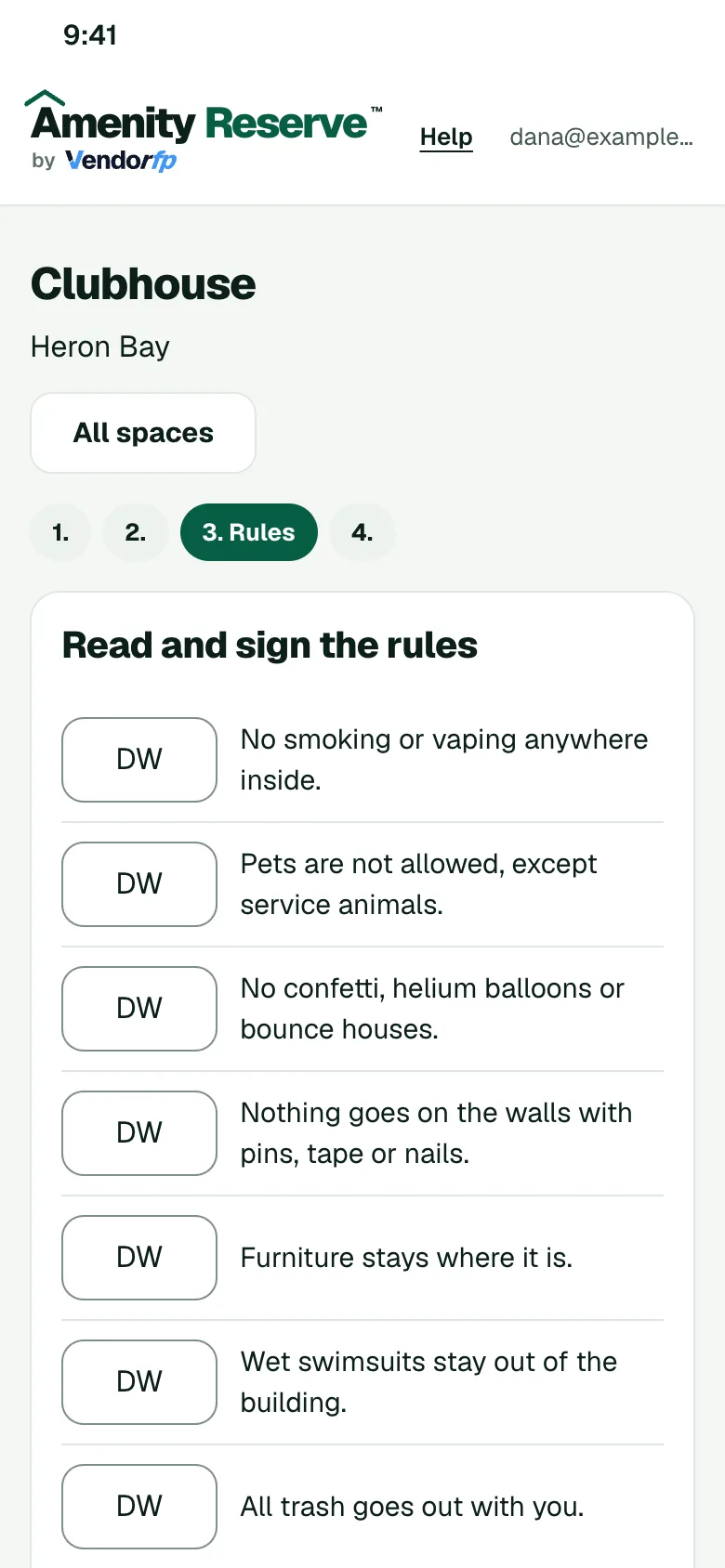
- They read your rules for the space and sign them.
- If you ask to approve requests, an admin says yes or no. Otherwise the booking confirms.
- The member gets a calendar invite.