Playgrounds and picnic areas
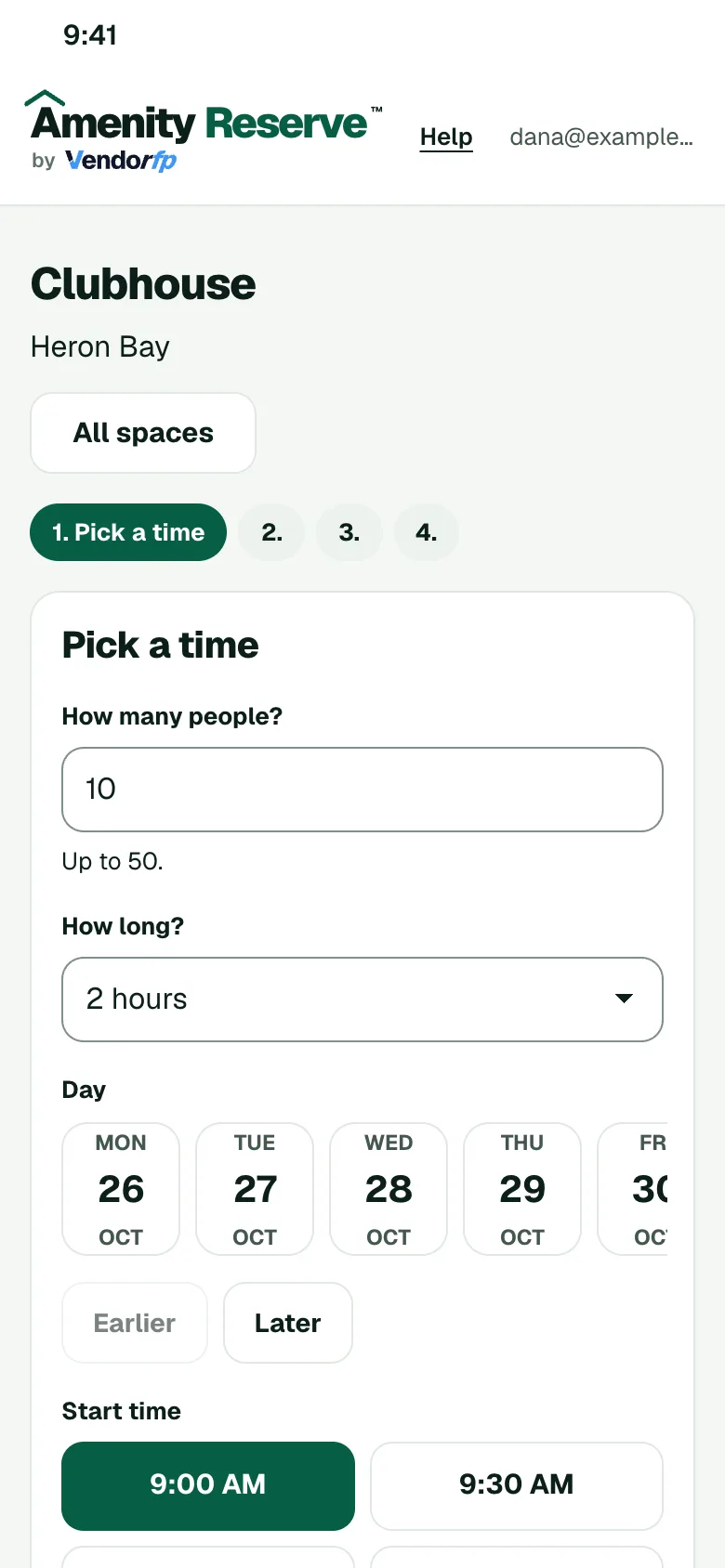
Let members reserve a pavilion or a picnic area for a birthday or a team day. Set the hours and the group size, and your calendar shows what is booked.
Rules you can set for this space
- HoursOffer the pavilion or picnic area only during the hours you choose.
- Group sizeSet how many people a party or team day can bring.
- Cleanup timeLeave time after each booking so the area is tidy for the next group.
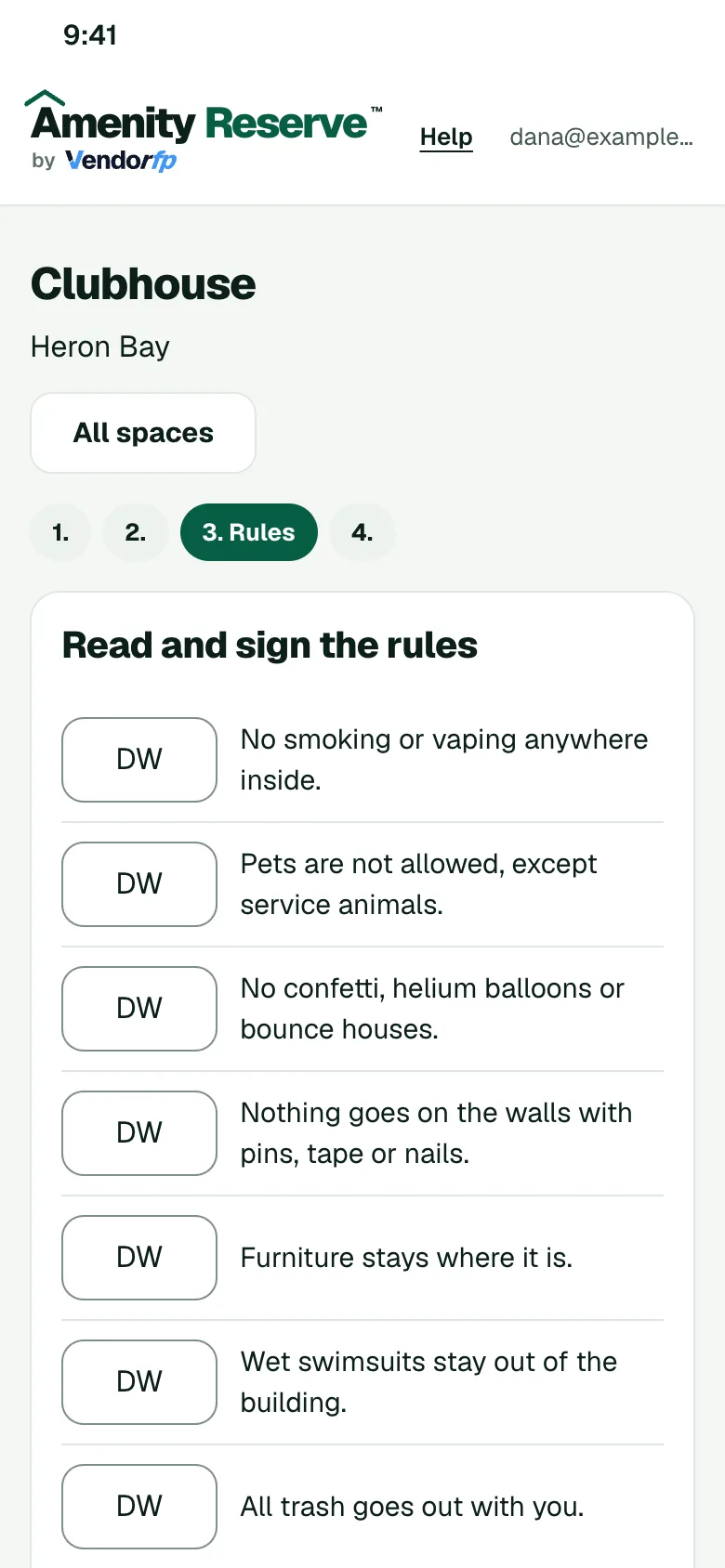
- Signed rulesMembers sign your rules for the area when they book.
How a booking works
- The member opens your booking page on their phone and picks a time that is open.
- They read your rules for the space and sign them.
- If you ask to approve requests, an admin says yes or no. Otherwise the booking confirms.
- The member gets a calendar invite.
Other spaces to set up
- Pools and cabanasOffer cabanas, pavilions and party tables, each with its own hours and rules.
- Dog parksReserve a fenced park for a private hour or a training session, with your rules for dogs and guests.
- Clubhouses and event roomsSet the hours, the guest limit, the cleaning time between events and who may book.