Golf simulators
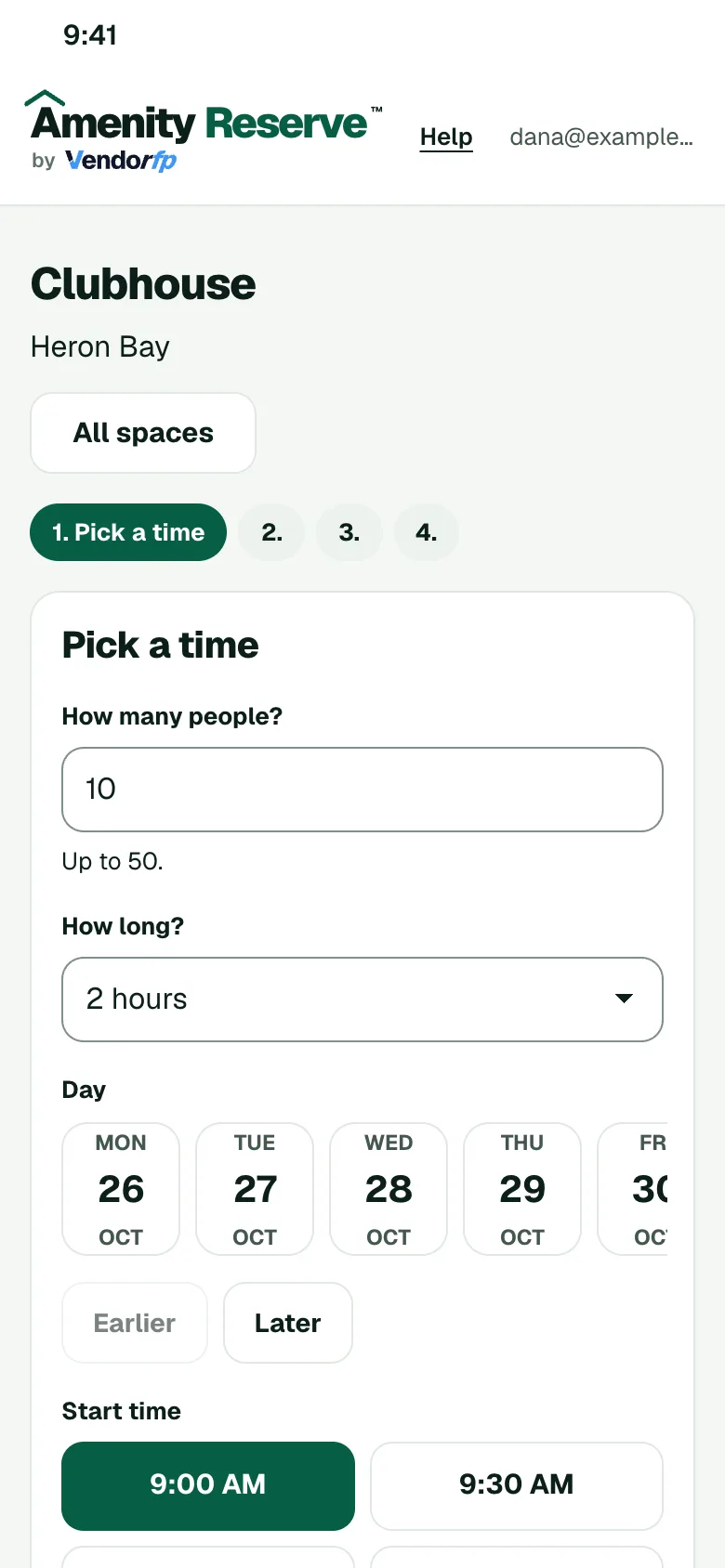
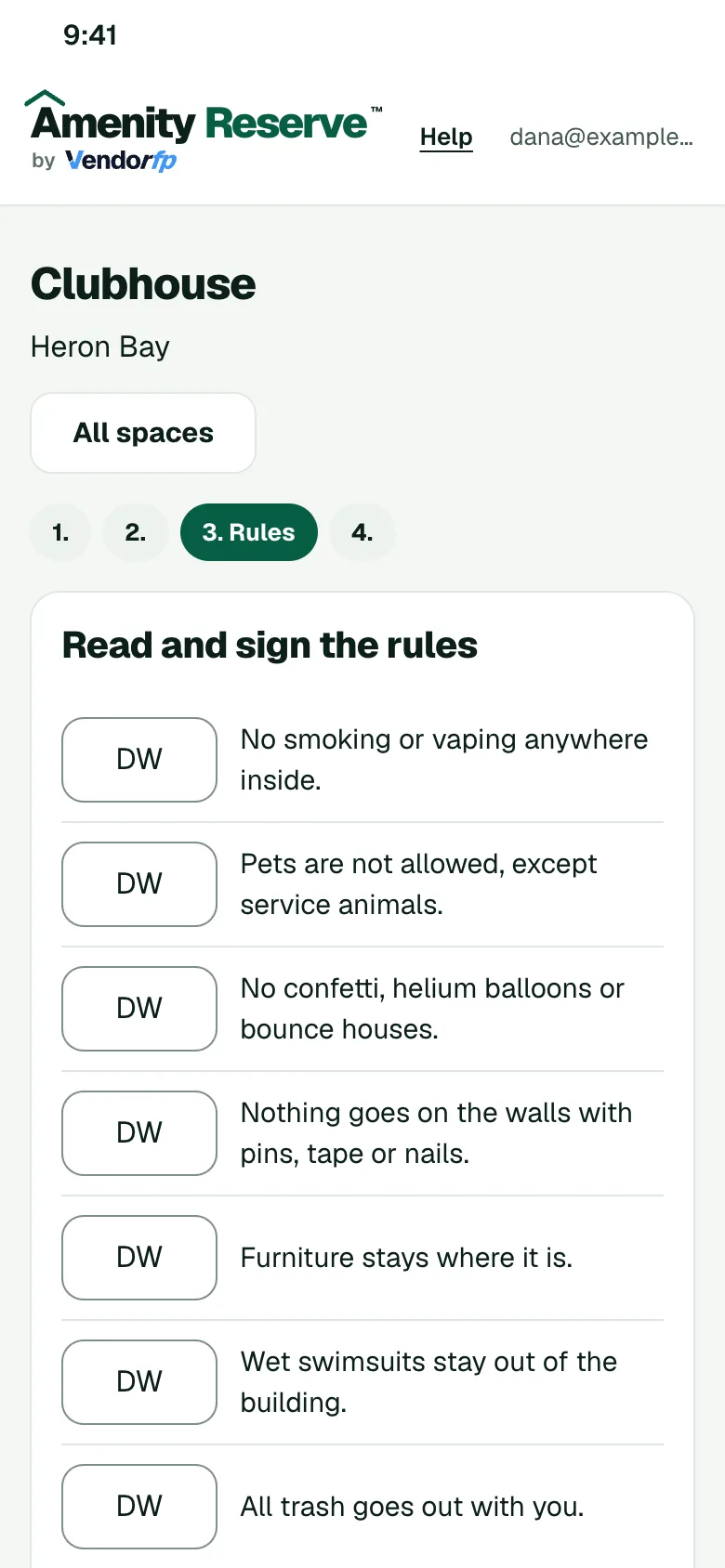
Let members book the room by the hour from their phones. They sign your rules for the equipment before they book.
Rules you can set for this space
- Session lengthBook the room by the hour and cap how long one session can run.
- Signed rulesMembers sign your rules for the equipment before they book.
- Fair useLimit how many sessions one home can hold at once.
- Monthly hoursLimit the hours one home can book each month, on Amenity Silver and above.
How a booking works
- The member opens your booking page on their phone and picks a time that is open.
- They read your rules for the space and sign them.
- If you ask to approve requests, an admin says yes or no. Otherwise the booking confirms.
- The member gets a calendar invite.